
Connect your TikTok account to Mampu AI and direct messages and video comments arrive as conversations in one inbox — where you or your AI agent can reply.
Moving from another platform? A TikTok account only sends direct messages to one platform at a time, so disconnect the old one first — see Migrating your TikTok account to Mampu AI.
Before you start
- Your TikTok account must be a Business Account. You can switch in the TikTok app under Settings → Account → Switch to Business Account — it’s free.
1. Add a TikTok inbox
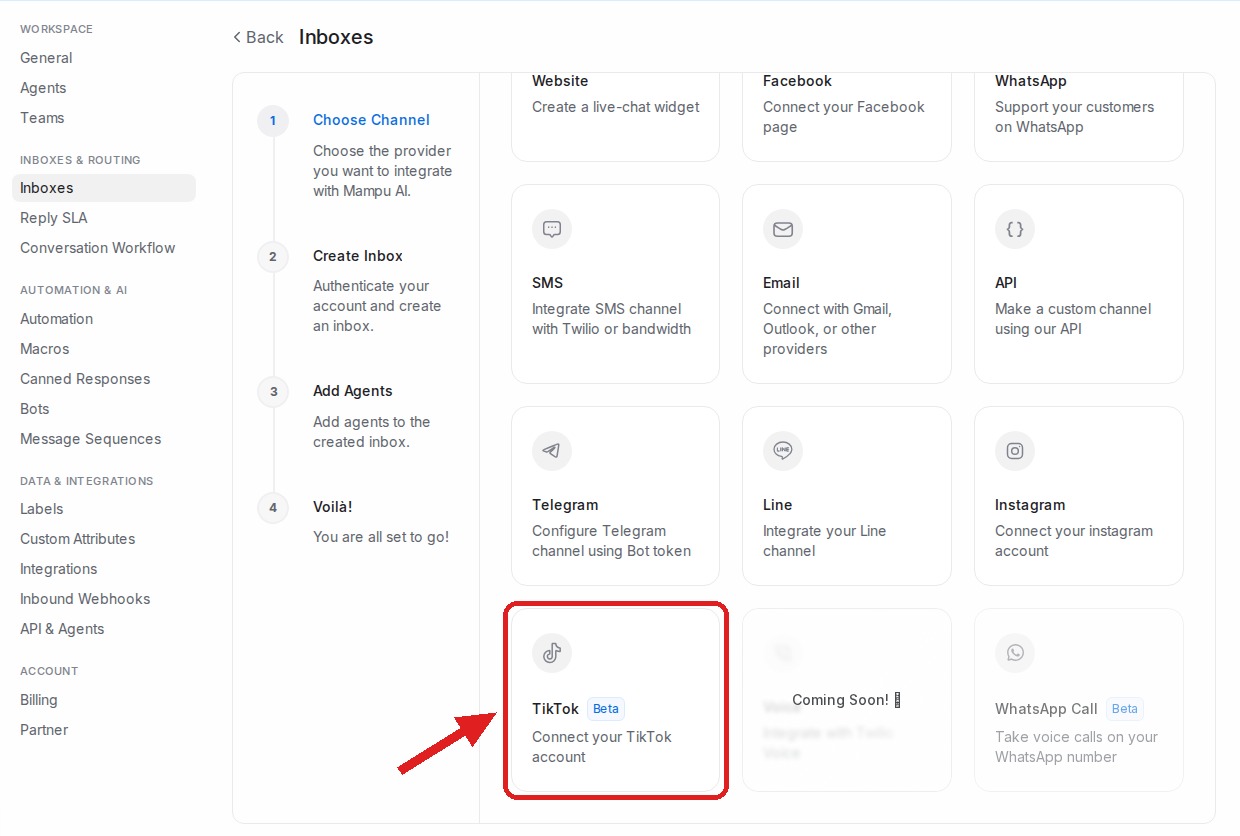
In Mampu AI, go to Settings → Inboxes → Add Inbox and choose TikTok.
2. Continue with TikTok
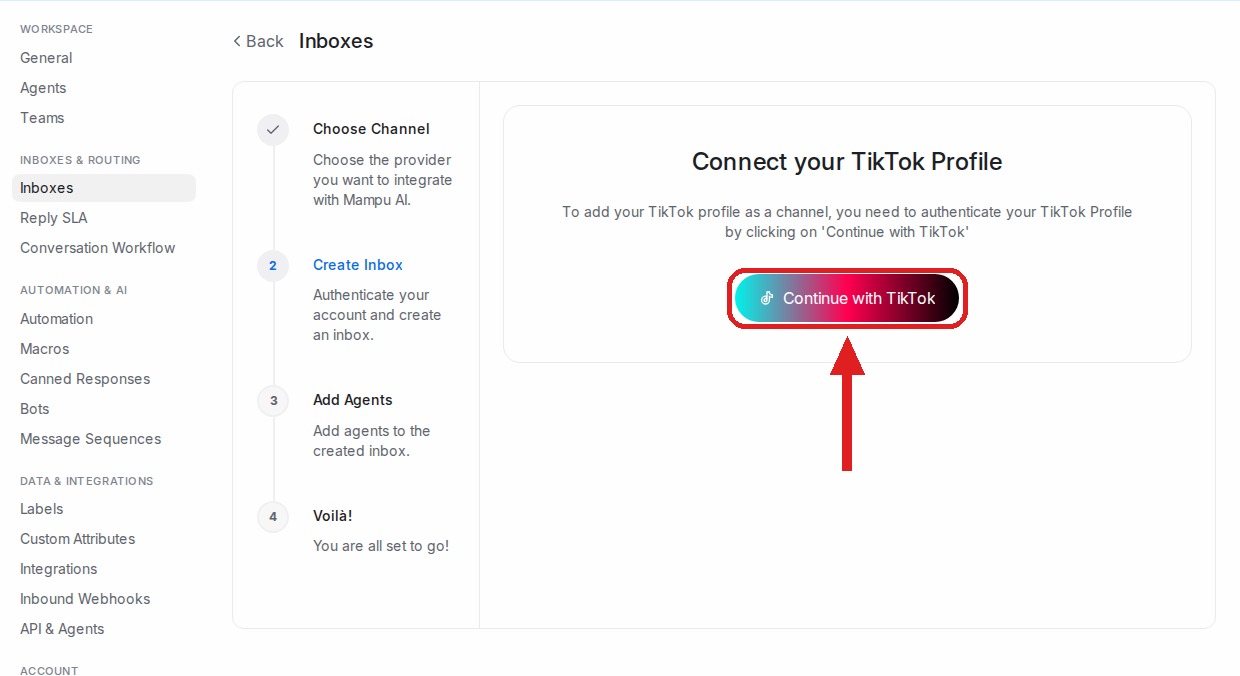
Click Continue with TikTok and sign in with your TikTok account. Approve all the requested permissions — they let direct messages and comments arrive in your inbox.
3. Add agents
Pick the agents who should handle the inbox and finish.
You’re done
Direct messages and video comments now arrive as conversations in your TikTok inbox, and your AI agent can reply. Manage the inbox anytime under Settings → Inboxes.