
Sometimes you need to message a person who has never written to you: a lead who called, a customer who left an email address on a form. Search for them first. If nobody matches, the search page offers to create the contact and open a conversation with them in one go. The same shortcut lives in the Ctrl+K search bar.
From the search page
- Click the Search box at the top of the sidebar and type the person’s phone number, email address or name.
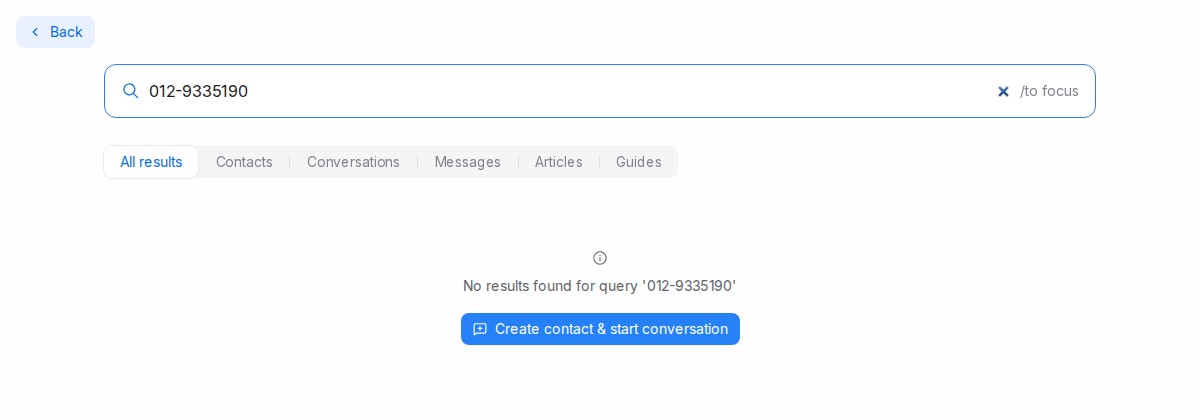
- When no contact matches, click Create contact & start conversation under the No results found message. On the All results tab the button also appears inside the Contacts box whenever only conversations or messages matched what you typed.
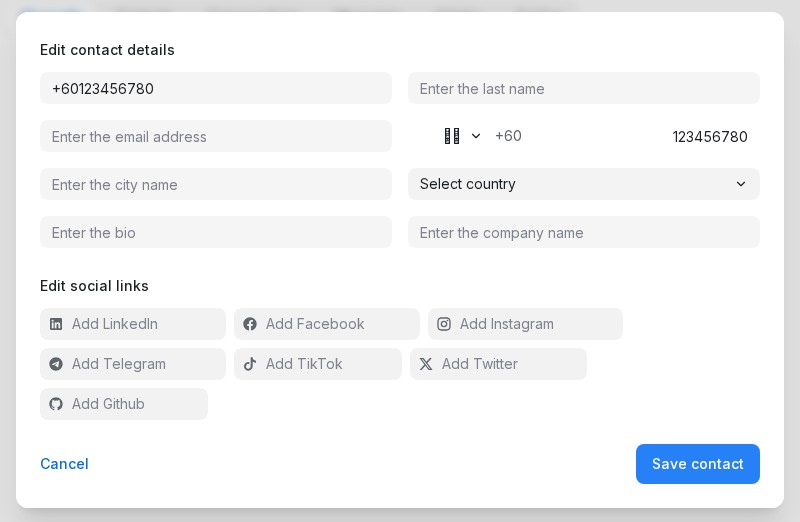
- The contact form opens already filled in from your search:
- a phone number goes into the phone field with its country code — a local number such as 012-345 6789 becomes +60 12 345 6789;
- an email address goes into the email field;
- anything else becomes the name.
Check the details and add whatever is missing. Save contact stays greyed out until the contact has a phone number or an email address, so there is always a way to reach them.
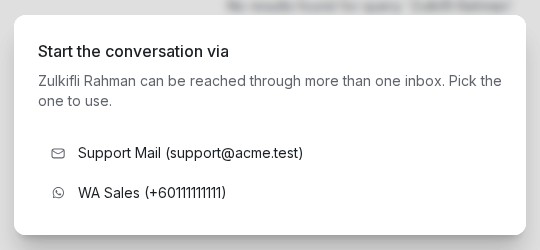
- Click Save contact. If only one of your inboxes can reach this person, the conversation opens straight away. If several can, pick one from the Start the conversation via list.
- You land in the new conversation, assigned to you and ready for your first message.
From anywhere with Ctrl+K
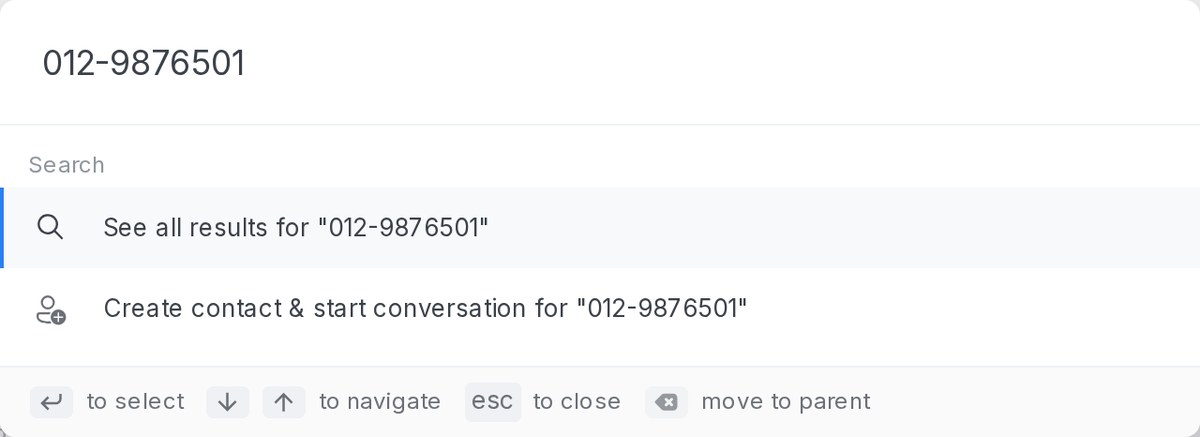
You do not have to open the search page. Press Ctrl+K (⌘K on a Mac) wherever you are in the dashboard and type the person’s phone number, email address or name. When no contact matches, the Search section lists Create contact & start conversation for “…” right under See all results. Pick it and the contact form opens exactly as in step 3 above. Pressing Enter still takes you to the full results page.
Which inboxes are offered
An inbox is offered when it can reach the contact: WhatsApp inboxes for a contact with a phone number, email inboxes for a contact with an email address. You only see the inboxes you have access to.
Your first message
The conversation starts empty, so the usual rules for writing first apply. On WhatsApp the customer has not messaged you yet, so your first message is an approved template — pick one from the reply box. See WhatsApp template library. Email conversations open with the normal reply box.
If the number or email already belongs to a contact
Search finds contacts even when a number is typed differently, so you will rarely reach this point. If you do save a phone number or email address that already belongs to someone, no duplicate is created: a short notice tells you whose it is, and the conversation starts with that existing contact.