
Connecting an API inbox
An API inbox has no messaging app behind it. Your own system creates the conversations and messages, for example from an in-app chat you built, a kiosk, or a channel Mampu AI does not connect natively, and your team replies from the dashboard like any other inbox.
1. Add an API inbox
Go to Settings → Inboxes → Add Inbox and choose API.
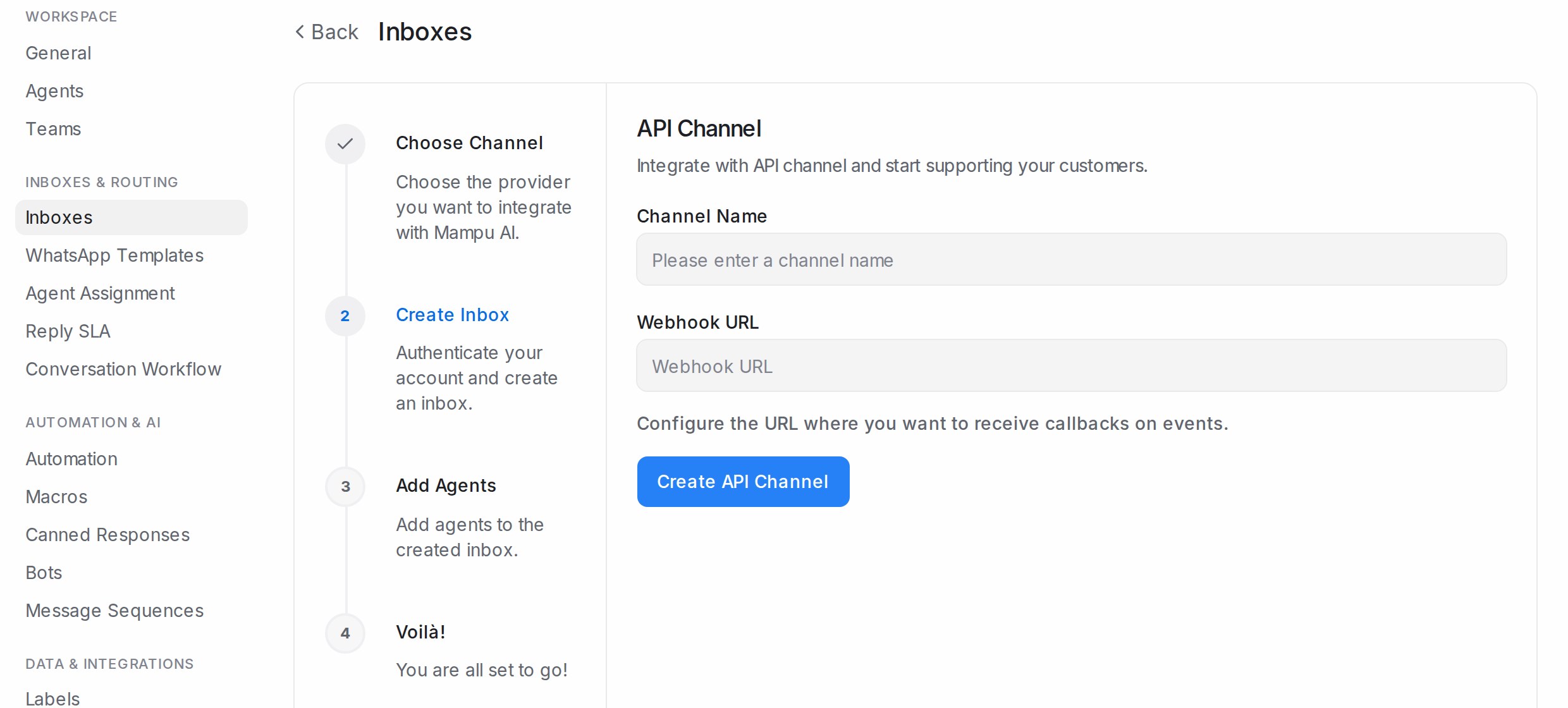
- Channel Name: how the inbox appears in your sidebar.
- Webhook URL: optional. The address where your system receives events such as a new reply from your team. Leave it blank if your system only sends.
Click Create API Channel, pick the agents who will answer and Add agents.
2. Collect what your developers need
Open the inbox’s settings page:
- Settings shows the Webhook URL and the Webhook Secret used to sign events sent to you, with Copy and Reset.
- Configuration shows the Inbox Identifier, the Inbound Webhook URL your system posts contact and message data to, the Payload Format, and Enforce User Identity Validation for signed requests.
The request and response formats are documented for developers at developers.sapot.ai.
Simpler alternative for lead forms
If all you need is to turn a form submission or another system’s event into a conversation, an Inbound Webhook on a WhatsApp or other inbox may be enough and needs no coding. See Inbound Webhooks.