
Agent Templates lists ready-made flow agents built for common industries, such as beauty, health products, loan consultancy, property and online shops. Pick one that fits your business and you get your own copy of its flow to edit in the designer. Only administrators see Agent Templates in the sidebar.
Browse the templates
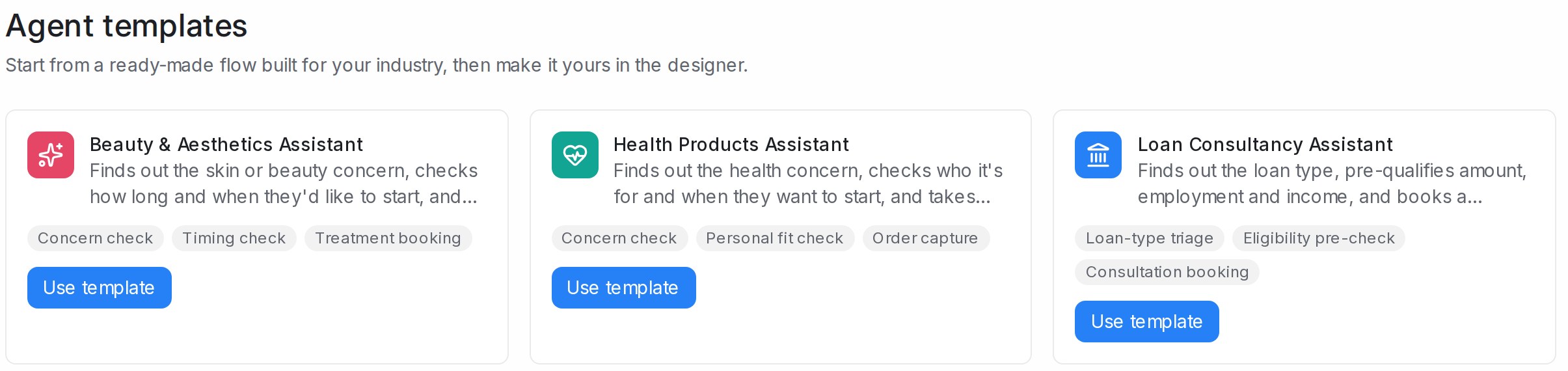
Open Agent Templates in the sidebar. Each card shows:
- The template’s name and what it gets done for you
- Grey tags naming the main jobs the flow does, such as Concern check or Treatment booking
- A Use template button
Start an agent from a template
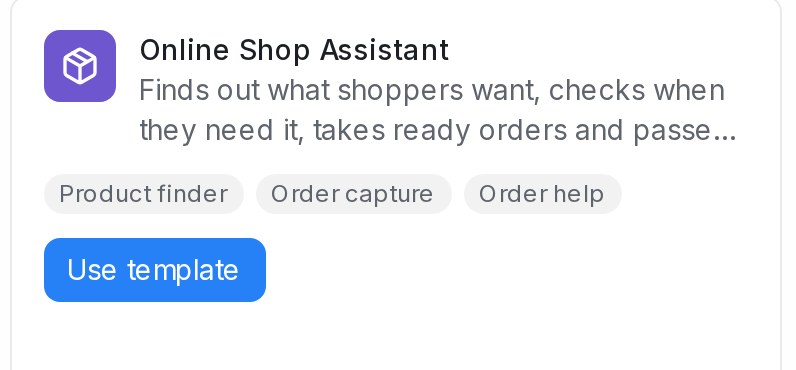
- Find the card that fits your business.
- Click Use template.
- A new agent opens in the designer, on the Playground, so you can try it straight away.
The new agent takes the template’s name and is saved as a draft. It does not reply to any customer until you publish it and connect it to an inbox. Change the questions, answers and steps to match your business before you do. See Building the conversation flow and Testing and connecting an agent.
When no template fits your industry
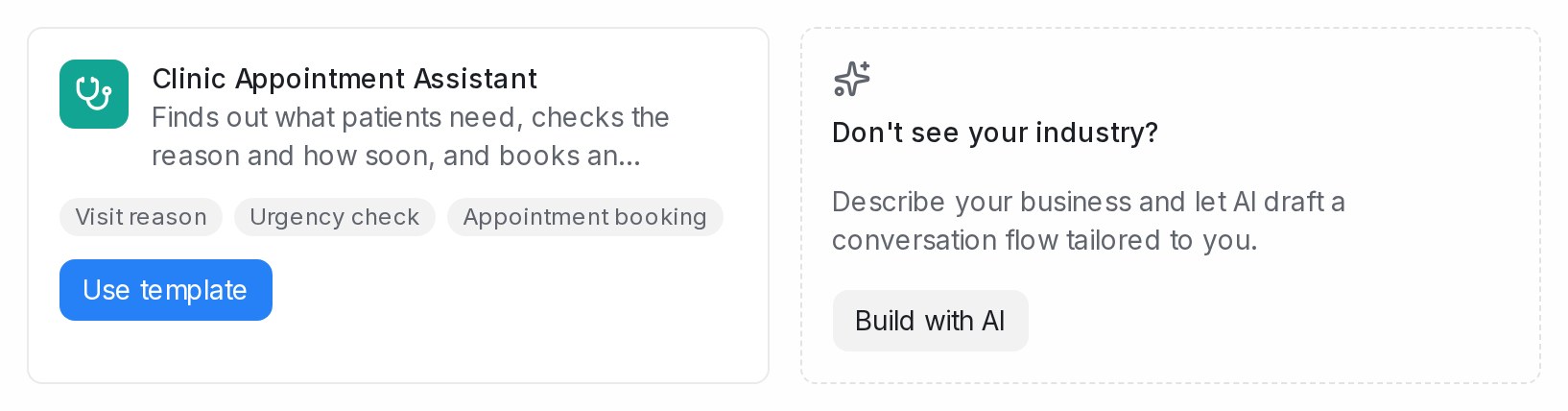
The last card on the page is Don’t see your industry?. Click Build with AI, describe your business and what the agent should do, and AI drafts a conversation flow for you. See Designing your agent by chatting.
Frequently asked questions
Does using a template change anything for other accounts?
No. Use template makes a copy inside your own workspace, and your edits stay in your copy.
Can I use the same template more than once?
Yes. Each click on Use template creates another draft agent, so you can try two versions side by side.
Why can’t I see Agent Templates in the sidebar?
Only administrators can create flow agents, so only they see the templates page. Ask an administrator of your workspace.