
Missing something you need? Send a feature request from inside the dashboard. It takes three short questions, and we read every request. When the feature you asked for is live, we tell you.
Where to find it
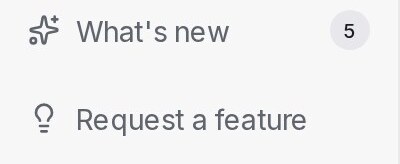
Request a feature sits at the bottom of the sidebar, under What’s new, on every page and for every role. When the sidebar is collapsed it shows as a lightbulb.
Send a request
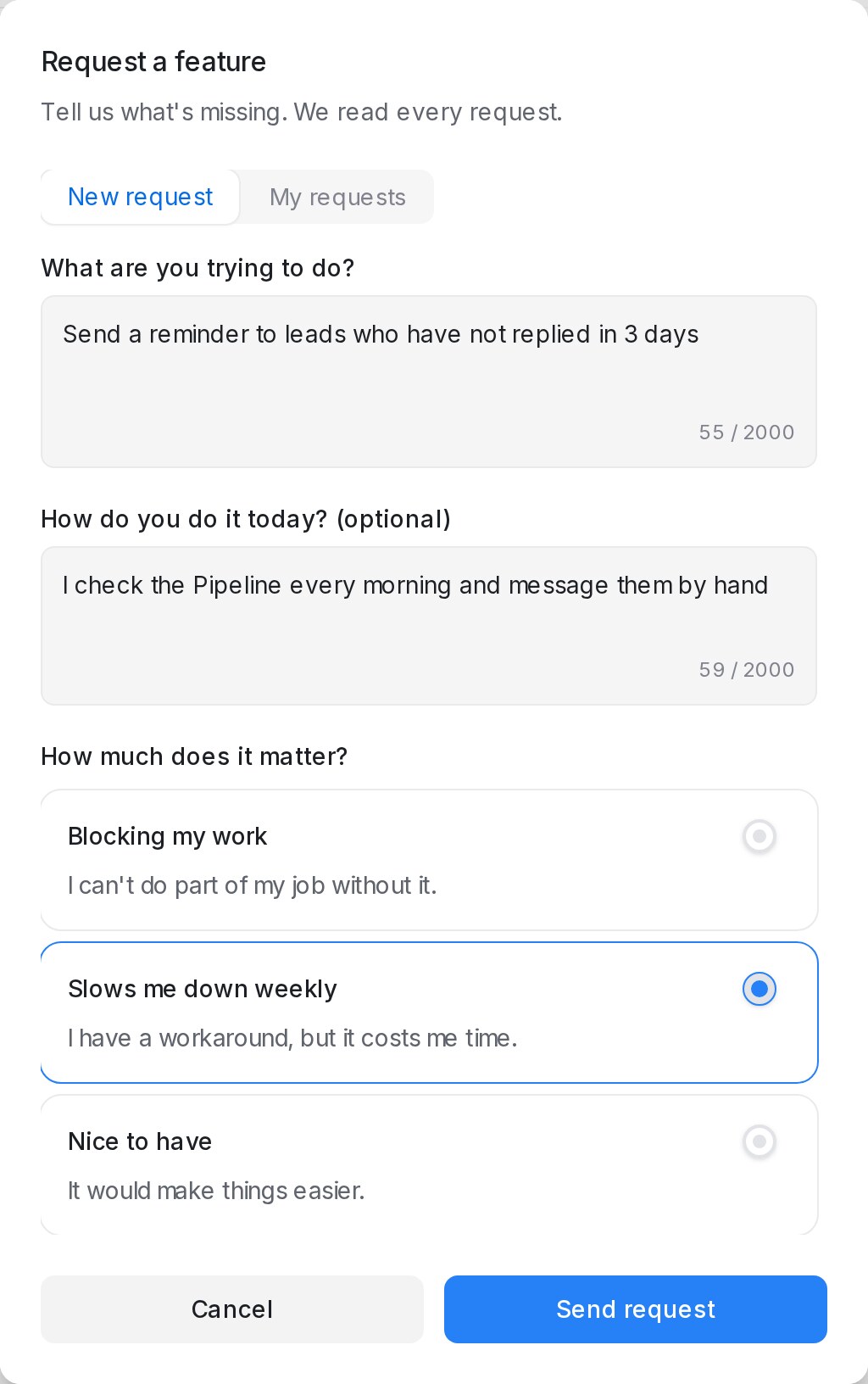
- Click Request a feature.
- Under What are you trying to do?, describe the job you want done, for example Send a reminder to leads who have not replied in 3 days.
- Under How do you do it today? (optional), say how you manage now. This tells us the use case.
- Under How much does it matter?, pick Blocking my work, Slows me down weekly or Nice to have.
- Click Send request.
Send request turns on once the first question and How much does it matter? are filled in. The page you were on, your role and your plan are added for you. You can send up to 10 requests an hour.
Request from search
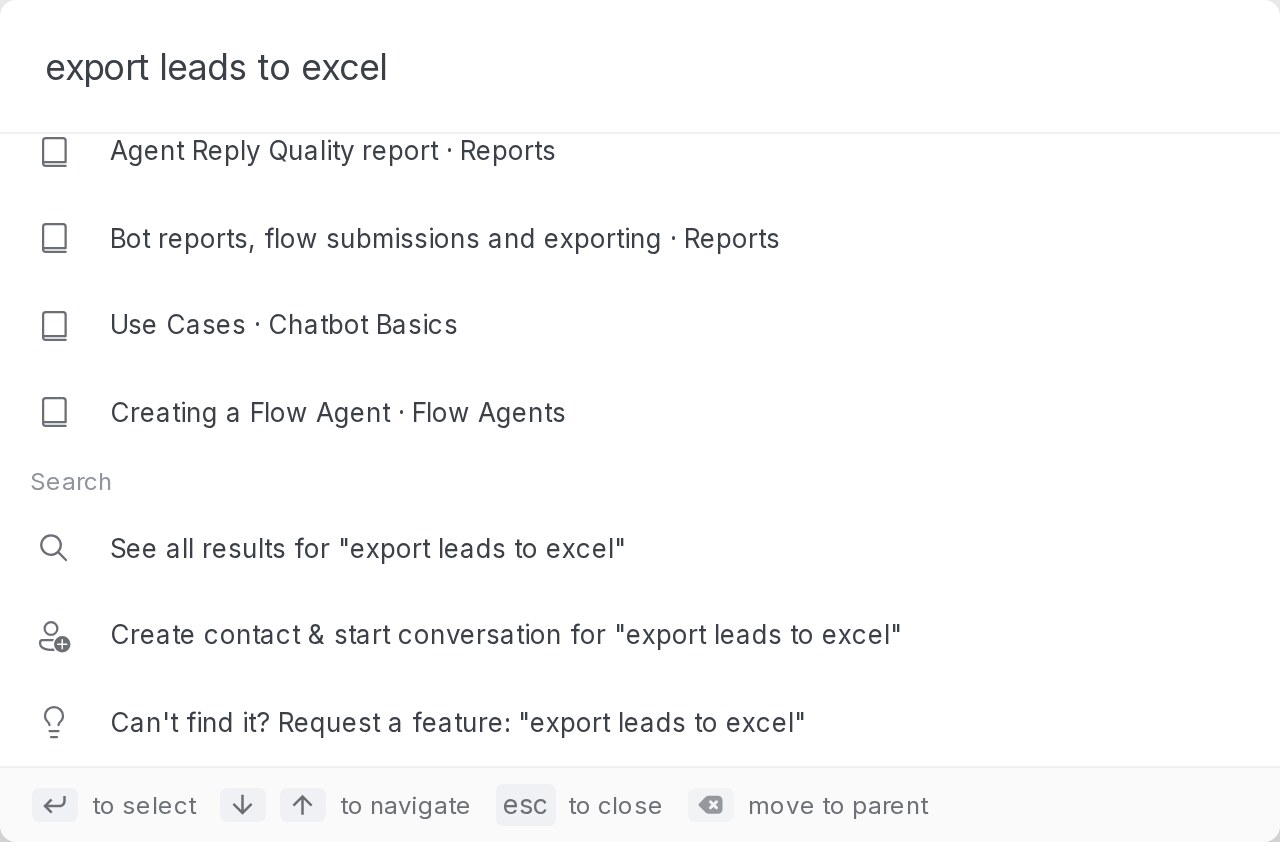
Searched for something that isn’t there? Press Ctrl+K (⌘K on a Mac), type what you’re looking for and pick Can’t find it? Request a feature at the end of the list. The form opens with your search already in What are you trying to do?. Anything you had already typed in the form is kept.
See your requests
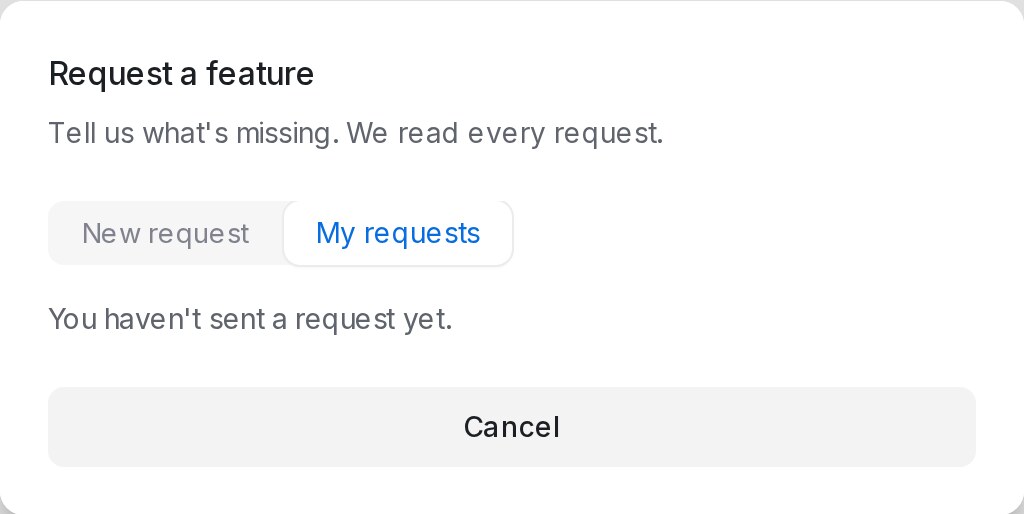
Open Request a feature and switch to My requests to see what you’ve sent in this workspace and how far each got.
| Status | Meaning |
|---|---|
| Received | We have it and are reviewing it |
| Planned | It’s on our build list |
| Shipped | It’s live, with a See what’s new link |
When your feature ships
When a feature you asked for goes live, you get a notice in your bell,
