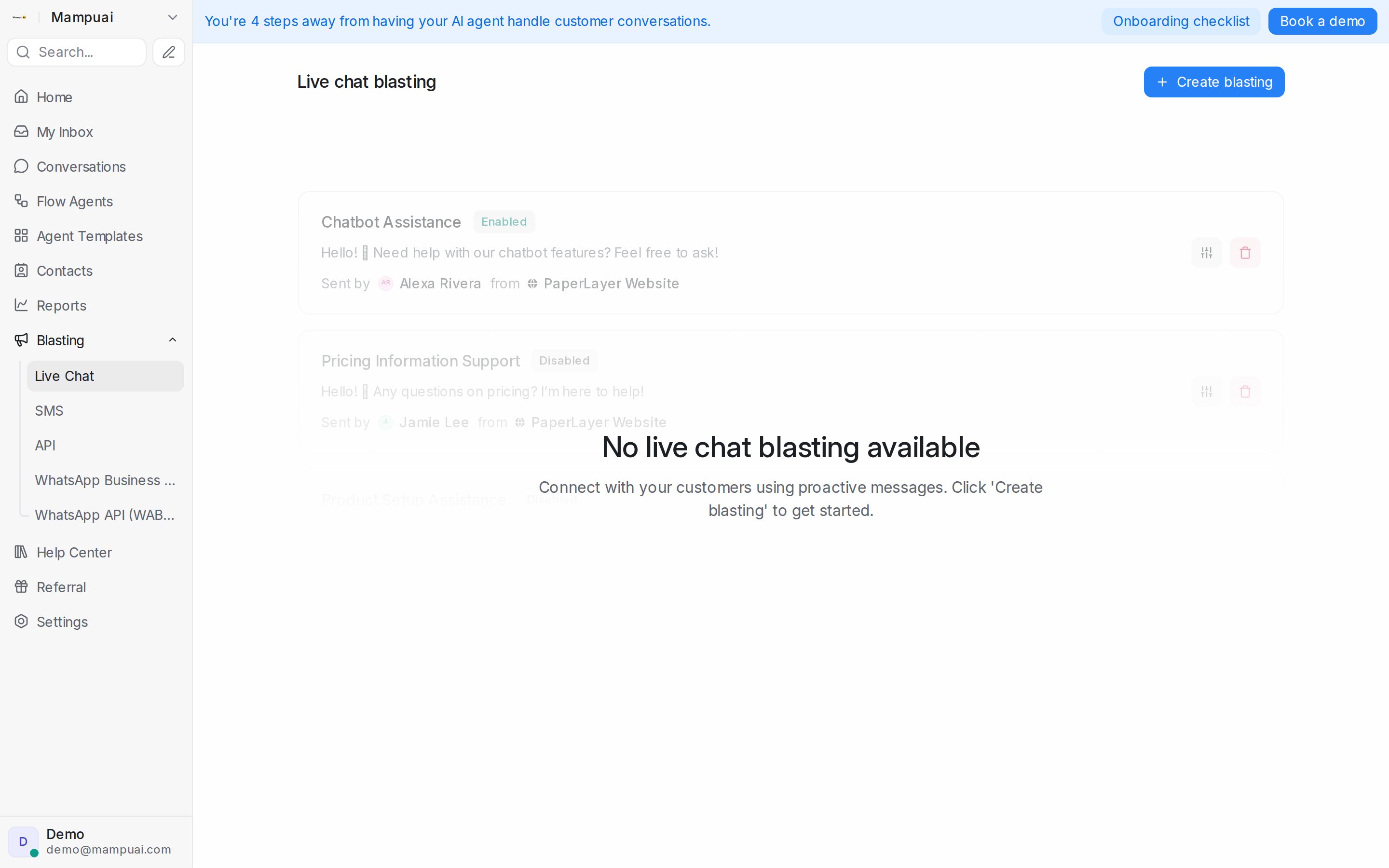
Live chat blasting sends proactive messages to visitors on your website. It is no longer listed in the Blasting menu, and the live chat blastings you set up keep running. To open it, go to Blasting and change the end of the address in your browser from /campaigns/blasts to /campaigns/live_chat. Click Create blasting, then set:
- The message visitors will see.
- The inbox (website) and sender.
- The URL and trigger conditions, such as time on page.
Watch the walkthrough
You can enable or disable each one at any time.