
Files your customers send, such as a CV, an IC or a receipt, stay private. A link to one of these files opens only for a teammate who is signed in to Mampu AI and can see the chat the file was sent in. Anyone else gets the sign-in page or a message that the file can’t be opened.
Opening a file link
Your Flow Agent can save a customer’s file as a link, for example in a Google Sheet column. To open it:
- Click the link.
- If you are not signed in, sign in to Mampu AI. You go straight on to the file.
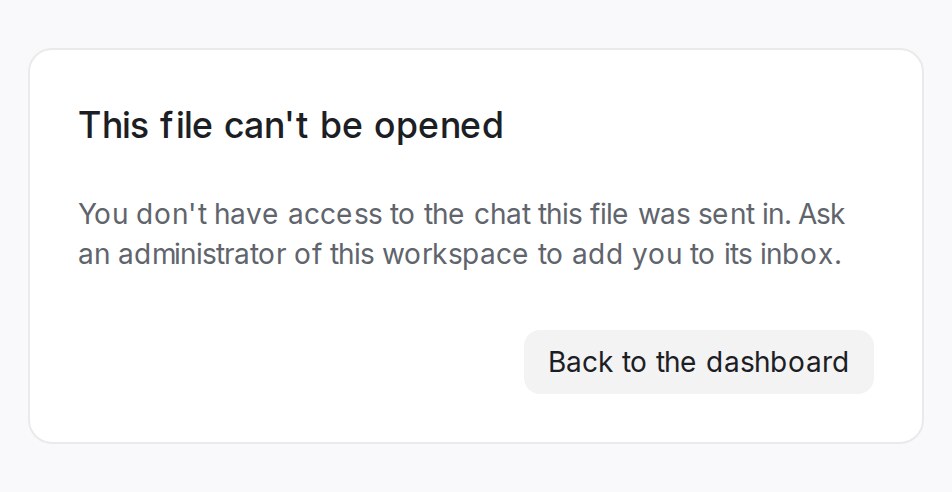
- The file opens when you can see its chat: you are an administrator, or the chat’s inbox or team includes you.
A forwarded link works the same way, so it never opens the file for someone outside your workspace. Older links to chat files go through sign-in too.
Note: Inside a chat, files show and download as before. File links sent to your webhooks stop working after 7 days, and links in emails to customers after 30 days.
When a file can’t be opened
| Message | What to do |
|---|---|
| You don’t have access to the chat this file was sent in. | Ask an administrator of the workspace to add you to the chat’s inbox. |
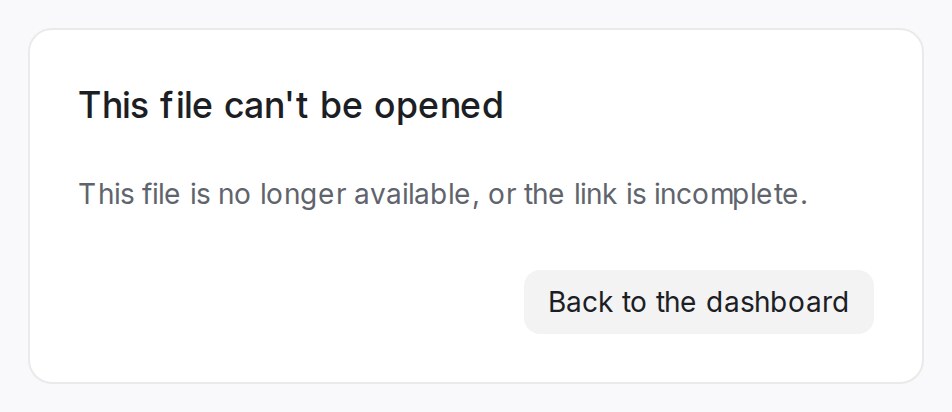
| This file is no longer available, or the link is incomplete. | The file was deleted, or part of the link is missing. Copy the whole link again. |